
Toyota RAV4 (XA40) 2013-2018 Service Manual: Components
(2005/11-2006/01)
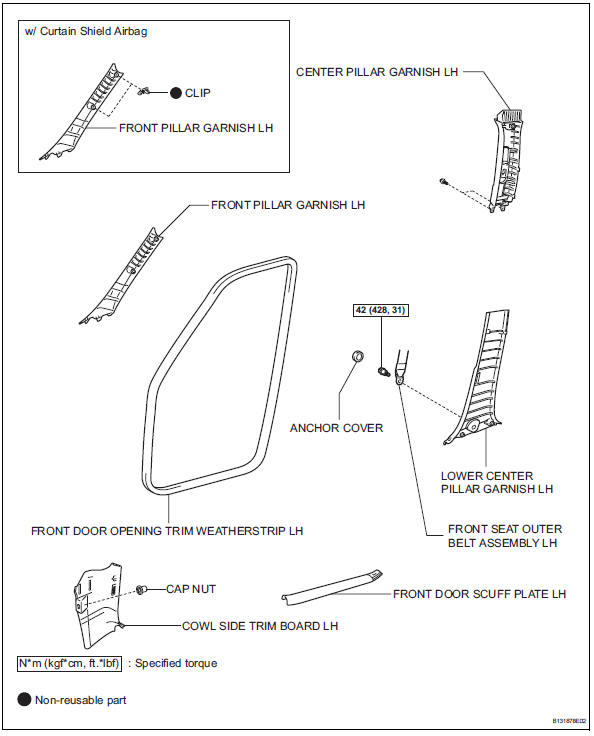
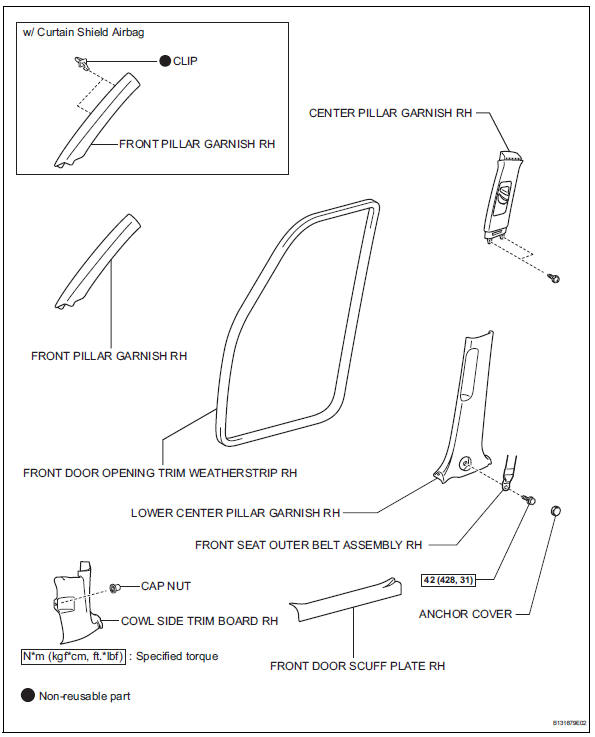
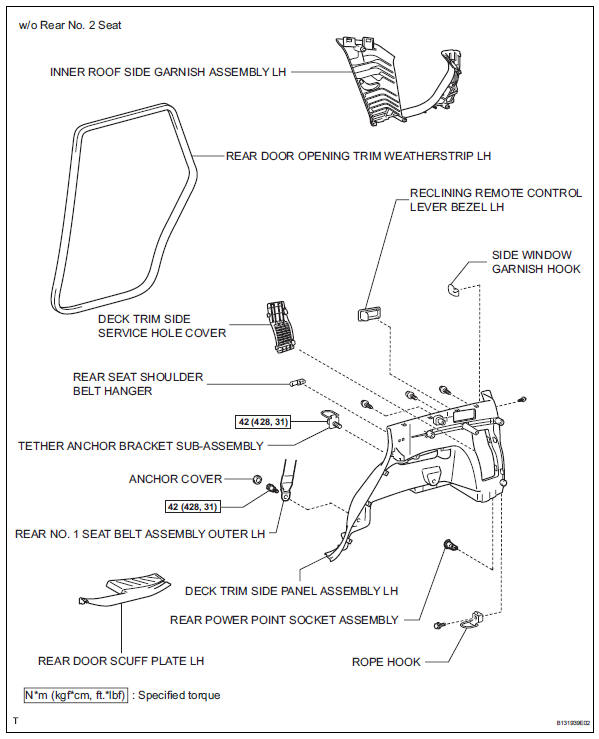
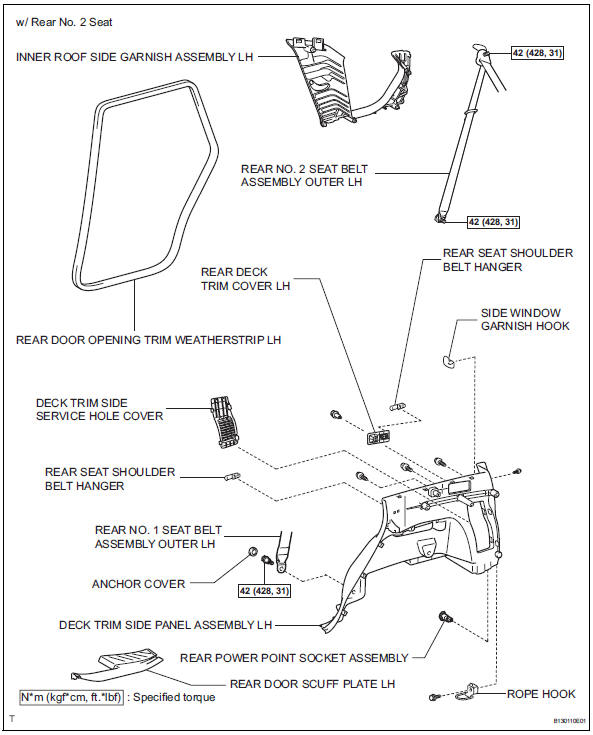
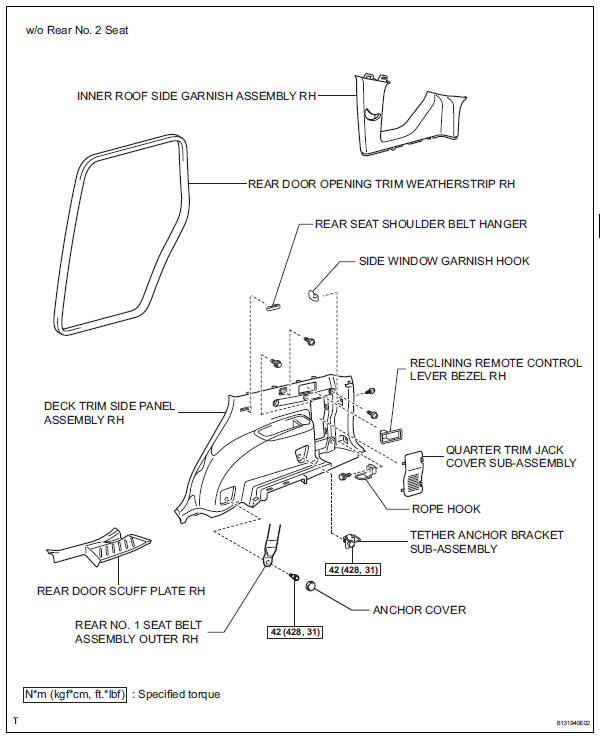
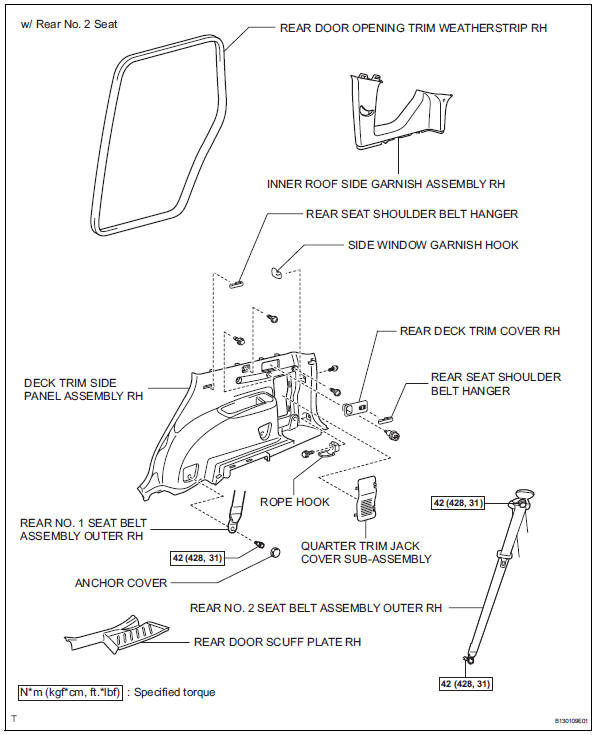
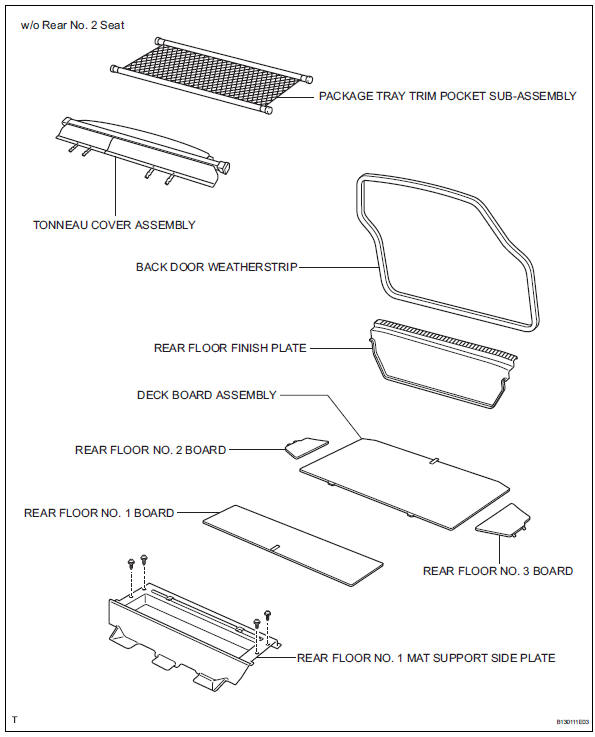
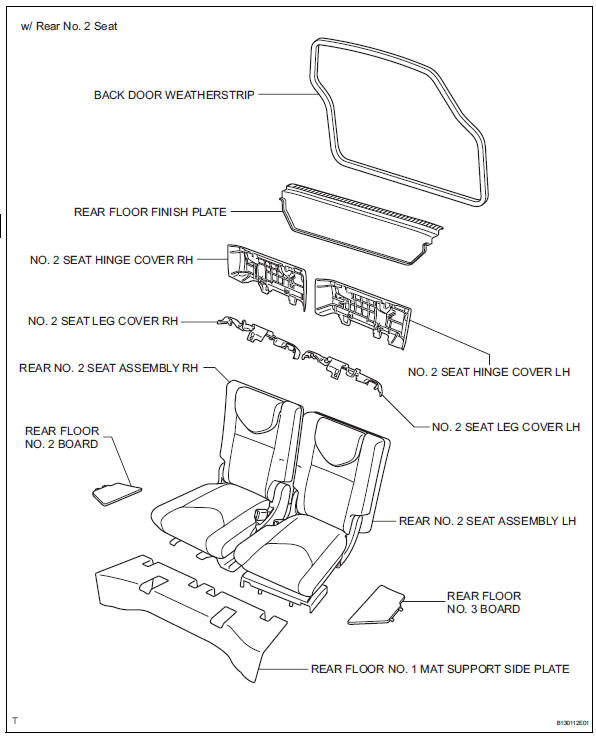
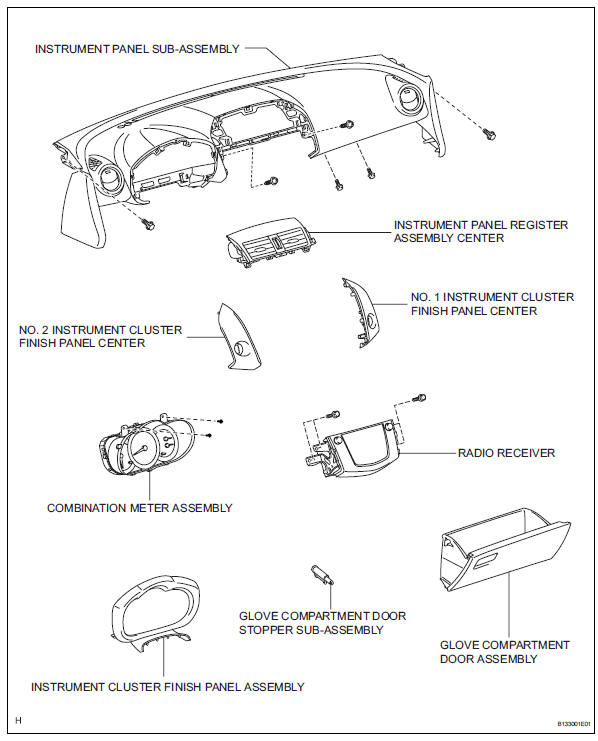
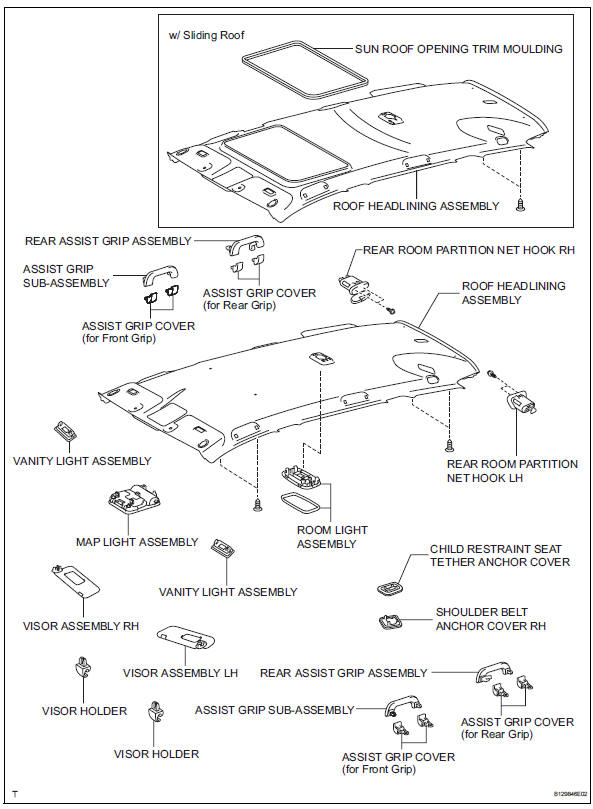
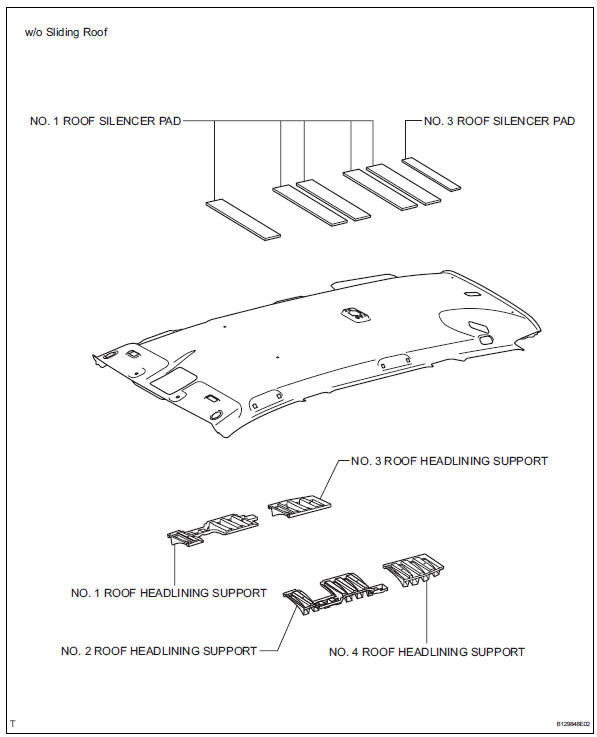
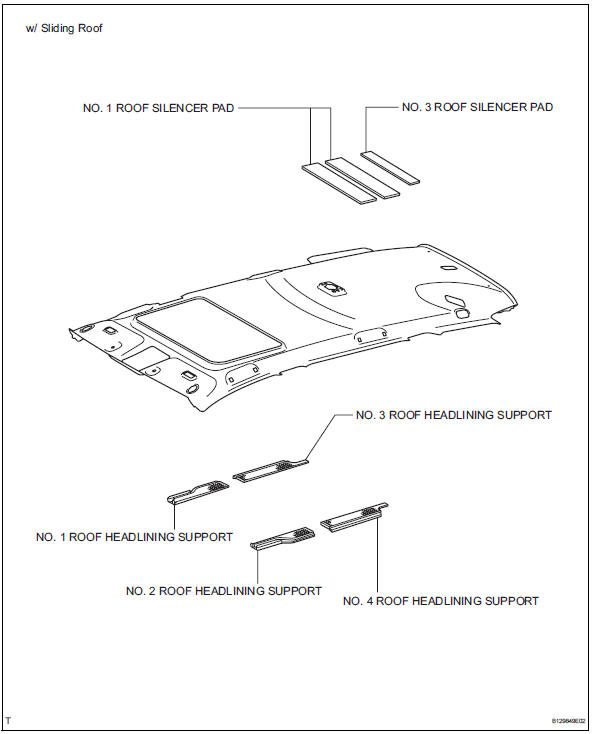
 Roof headlining
...
 Components
(2006/01- )
...
Other materials:
Fuel system
Precaution
Before working on fuel system
Do not work near an open flame.
Keep gasoline away from rubber and leather parts.
Discharge the fuel pressure before disconnecting
the fuel line to prevent gasoline from spilling out.
Refer to the following procedure.
Discharge fuel ...
Removal
Remove radiator grille sub-assembly
Remove the 4 bolts and 4 nuts.
Detach the 6 claws and remove the radiator grille.
Remove no. 1 Radiator grille lower
Detach the 16 claws and remove the radiator grille.
Remove no. 2 Radiator grille lower
Detac ...
Transmission range sensor circuit malfunction (prndl input)
Description
The park/neutral position (pnp) switch detects the shift lever position and
sends signals to the ecm.
Monitor description
These dtcs indicate a problem with the park/neutral position switch and the
wire harness in the park/
neutral position switch circuit.
The park/neu ...
