
Toyota RAV4 (XA40) 2013-2018 Service Manual: Engine coolant temperature sensor
Components
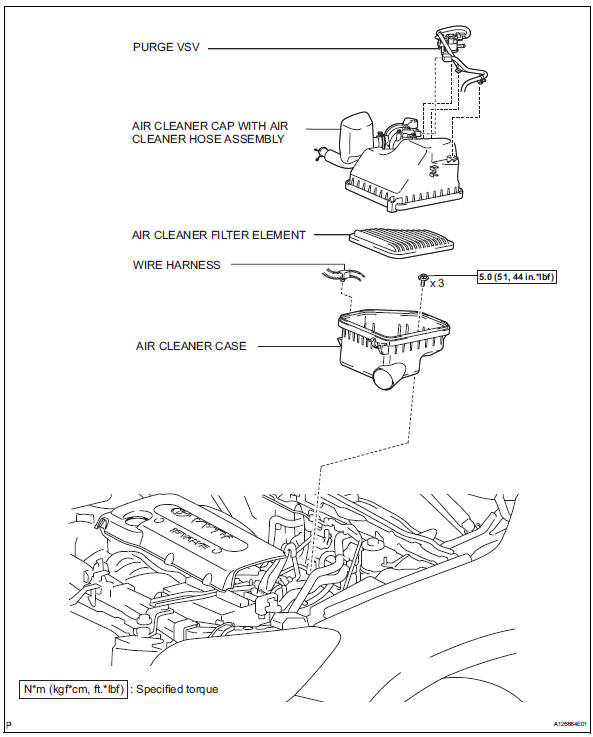
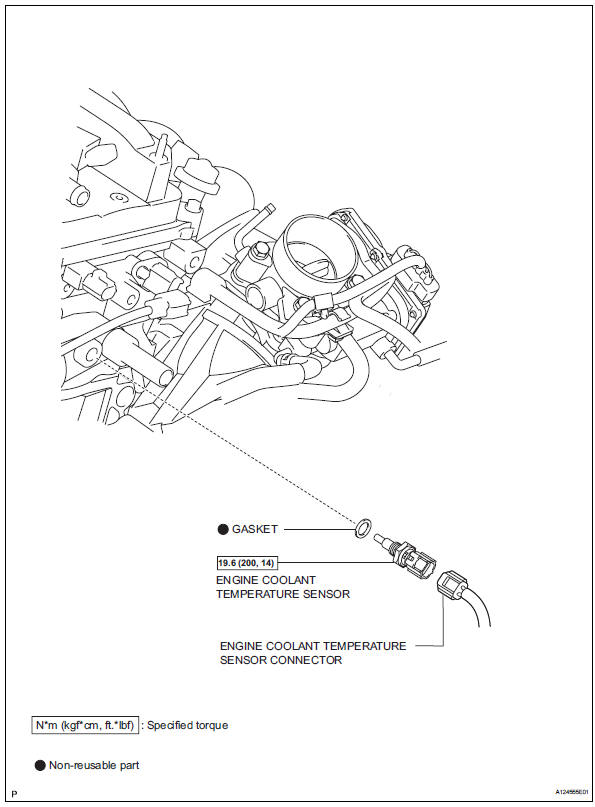
 Installation
Install crankshaft position sensor
Notice:
Make sure that the o-ring is not cracked or jammed
when installing it.
Apply a light coat of engine oil to the o-ring of the
sensor.
...
 Removal
Drain engine coolant (see page co-6)
Disconnect cable from negative battery
terminal
Caution:
Wait at least 90 seconds after disconnecting the
cable from the negative (-) battery terminal ...
Other materials:
Terminals of ecu
Center airbag sensor assembly (w/ curtain
shield airbag)
Center airbag sensor assembly (w/o curtain
shield airbag)
...
Adjusting the open position of the back door (vehicles with a power back door)
The open position of the power back door can be adjusted.
Open the back door, and adjust it to the desired position.
Press and hold the power back door switch on the back door until
the buzzer sounds 4 times.
Luggage compartment light
The luggage compartment light turns on when the back ...
Outer mirror switch
Inspection
Inspect outer mirror switch assembly
The l position of the left/right adjustment switch:
measure the resistance of the mirror switch.
Standard resistance (for left side)
If the result is not as specified, replace the switch
assembly.
The r position of the left/r ...
